How to Stop WhatsApp from Filling Up Your Phone's Gallery
The popular WhatsApp messenger can quickly consume your phone's internal storage by automatically saving incoming media. Changing a few settings on both Android and iPhone can help you regain control over your storage space.
 💡Tech
Photo: UNIAN
Key points
- WhatsApp automatically saves media, quickly depleting storage
- Settings on Android and iOS can block automatic saving
- Built-in tools allow for fast and easy chat cleanup
Modern communication apps offer immense convenience, but they can also create hidden issues with device storage. Owners of smartphones with 64GB or 128GB of internal memory often find their devices filling up rapidly due to apps automatically saving every piece of incoming content.
The Hidden Cost of Automatic Downloads
According to experts, media files from WhatsApp typically consume between 2 and 10 gigabytes of a phone's storage. Countless photos, large video clips, and documents shared in chats quietly accumulate over time. This sudden storage bloat can leave users without enough space for crucial system updates or new photographs when they need them most.
Adjusting Settings on Android and iPhone
Fortunately, halting this continuous storage buildup requires just a few minor adjustments in the app's settings. On Android devices, users can disable automatic downloading for incoming media so that files appear as blurry previews until manually downloaded. Meanwhile, iPhone users can toggle a specific feature that prevents the app from duplicating received photos and videos directly into the device's main photo library.
Media files will remain securely inside the chat threads without cluttering the primary photo gallery.
If a smartphone's storage is already maxed out, a built-in cleanup tool within the messenger can streamline the process. The app analyzes chat histories, highlights the heaviest files, and allows users to quickly purge unnecessary digital clutter in a matter of minutes.
Source UNIAN — unian.ua/techno/communications/yak-zvilniti-do-10-gb-na-smartfoni-p… ↗
Read next
 🛡️Security
Frontline update: General Staff reports 143 combat engagements in a day
Over the past 24 hours, the enemy carried out over a hundred assault attempts across various front sectors, with the highest activity recorded in the Pokrovsk and Kostian…
 🚨Events
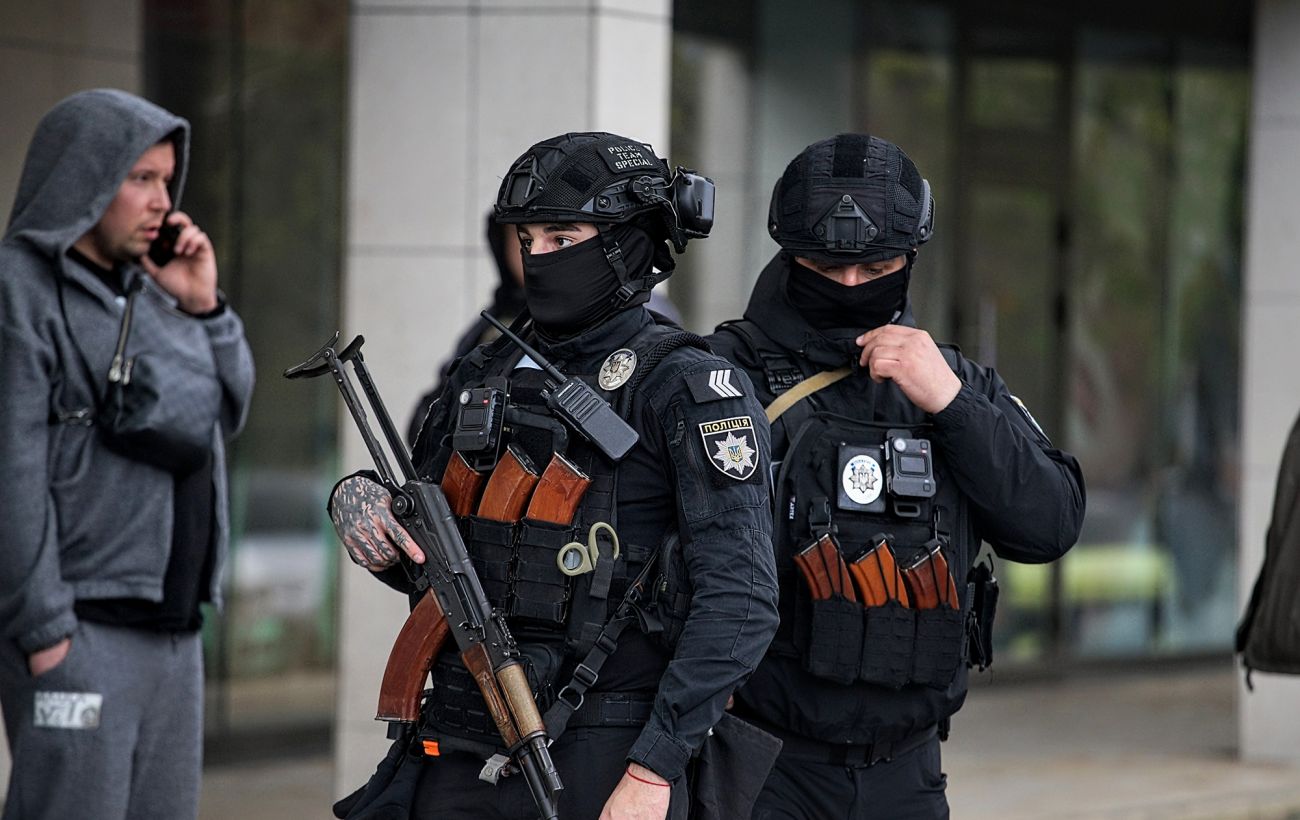
Unknown assailants kill man in Kharkiv: police launch special operation
A shooting incident in Kharkiv on the evening of November 22 resulted in the death of a man, with police currently searching for the suspects.
 🛡️Security
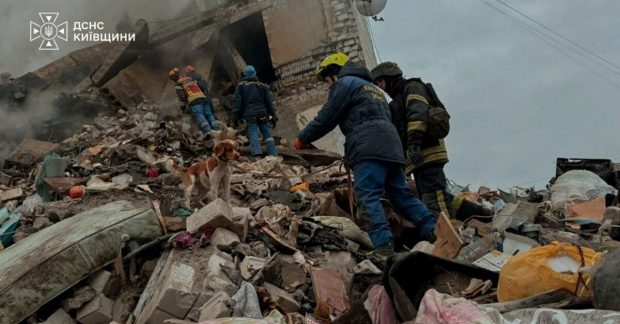
Rescue Operation in Kyiv Region: Seven-Year-Old Boy Saved from Rubble After Enemy Attack
In the town of Dymer, Kyiv region, rescue workers successfully unblocked a seven-year-old boy from the rubble of a destroyed residential building after nearly 14 hours.
 🎭Culture & Sport
Oleksiy Danilov's granddaughter joins 'The Voice' and speaks out about harassment
19-year-old Maria Danilova joined the 14th season of the vocal show, aiming to prove her talent despite public backlash.
 🏙️City
Preparing for winter: how to protect Konotop homes from rodents
As temperatures drop, Konotop residents are advised to seal their homes to prevent rodents from seeking warmth and food inside.
 🛡️Security
"I am fine, do not hurry": Rescuers pull 7-year-old boy from under ruins in Dymer after enemy strike
Seven-year-old David spent nearly 14 hours under the rubble of a destroyed apartment building in Dymer near Kyiv and miraculously survived.